


 Gloss
Gloss
Gloss
A smooth, shiny finish that catches the light. A good choice if you love a glossy photograph.




Printed in our Leeds lab on 250gsm photographic paper. Choose your size, finish and border, then upload your files below.

Pick your size, finish and border, then upload the photographs you want us to print.
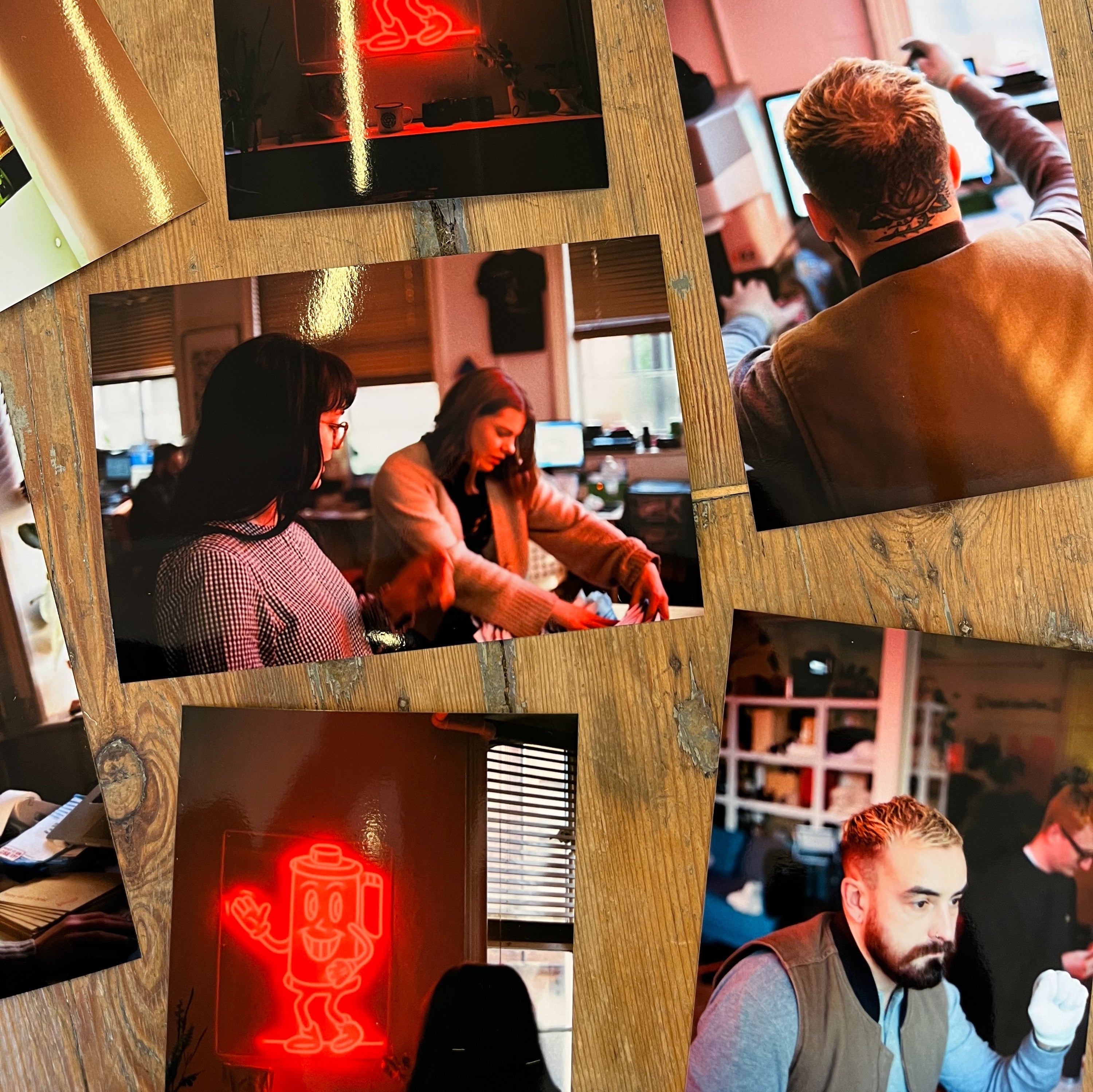
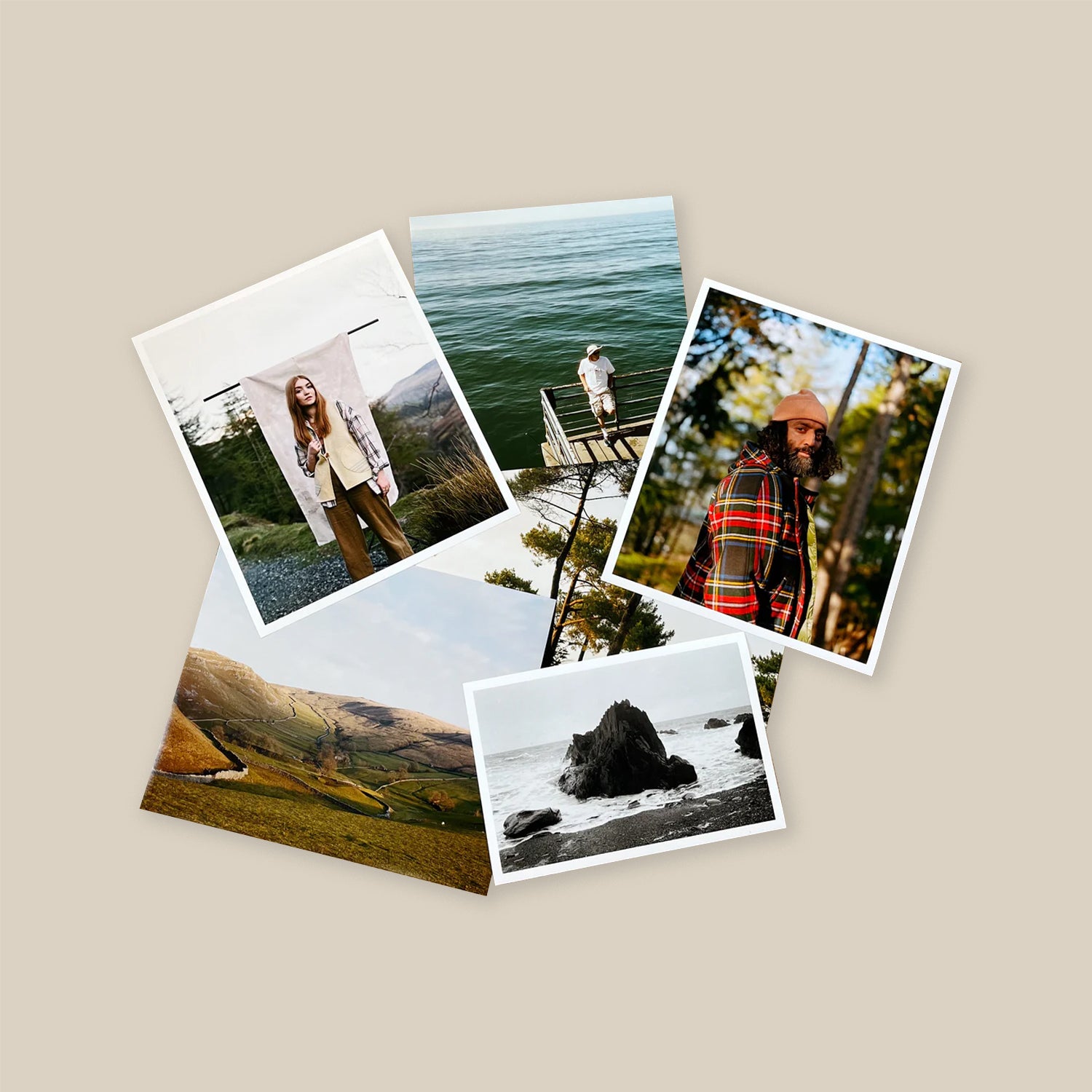
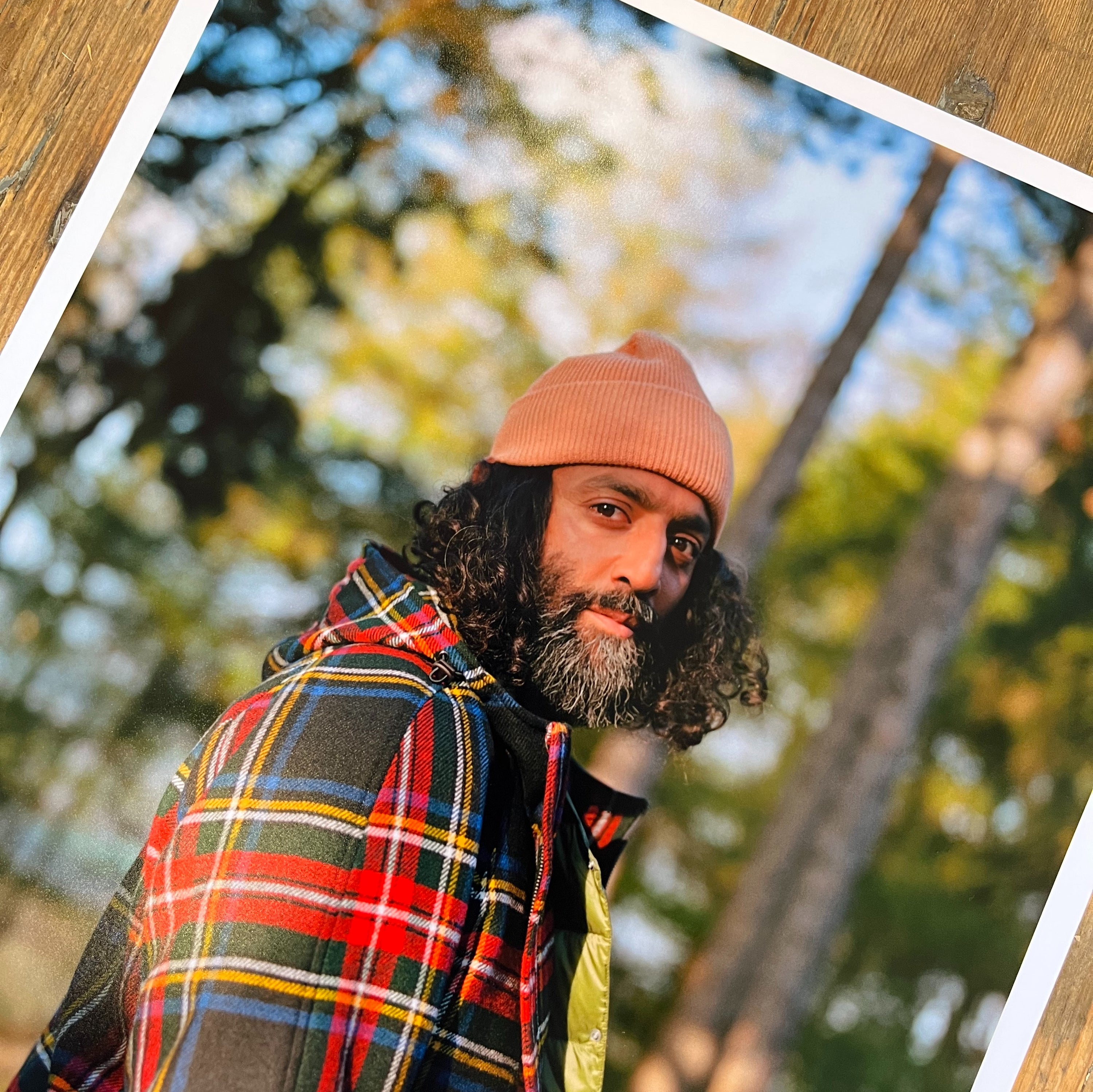
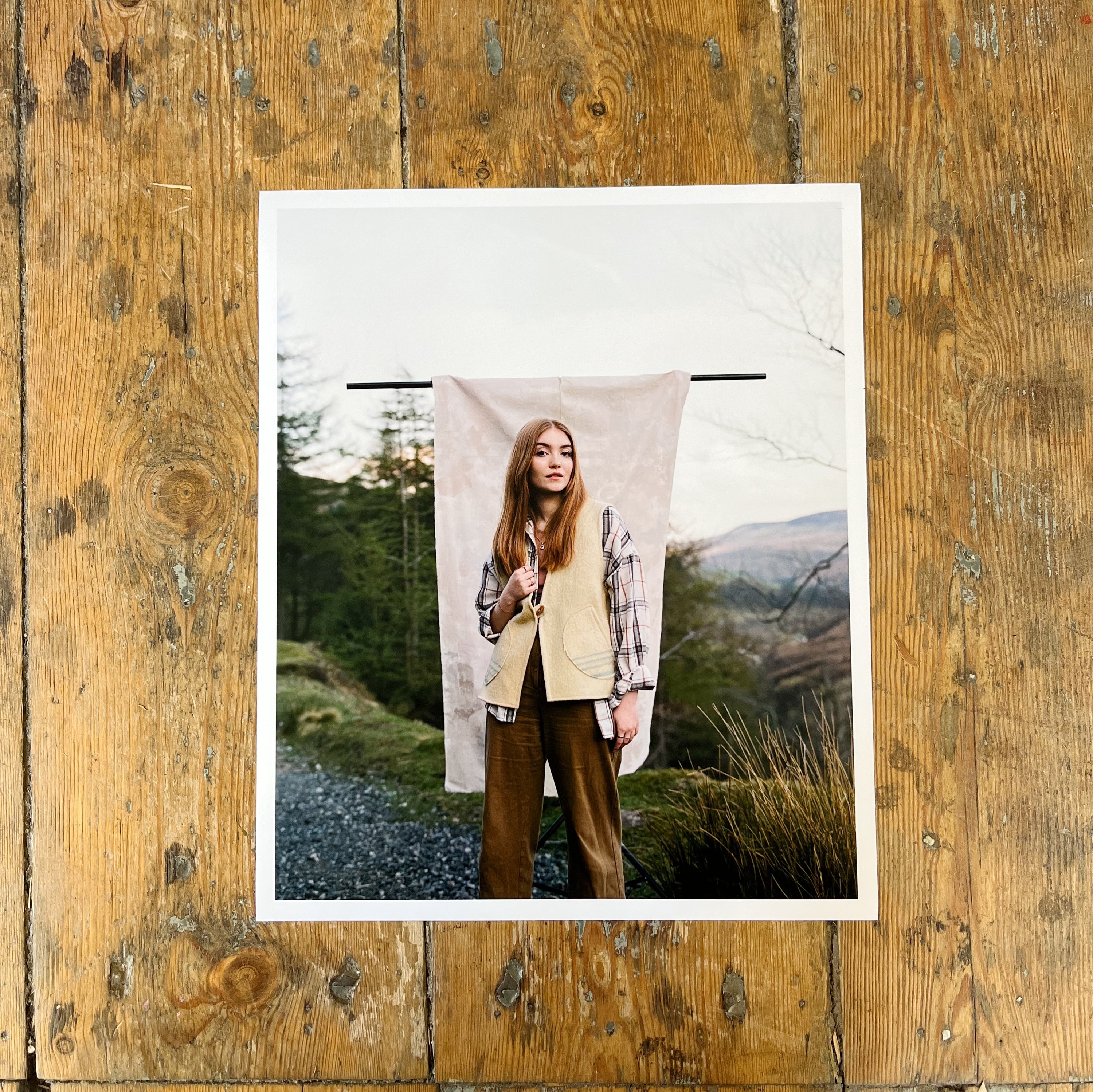
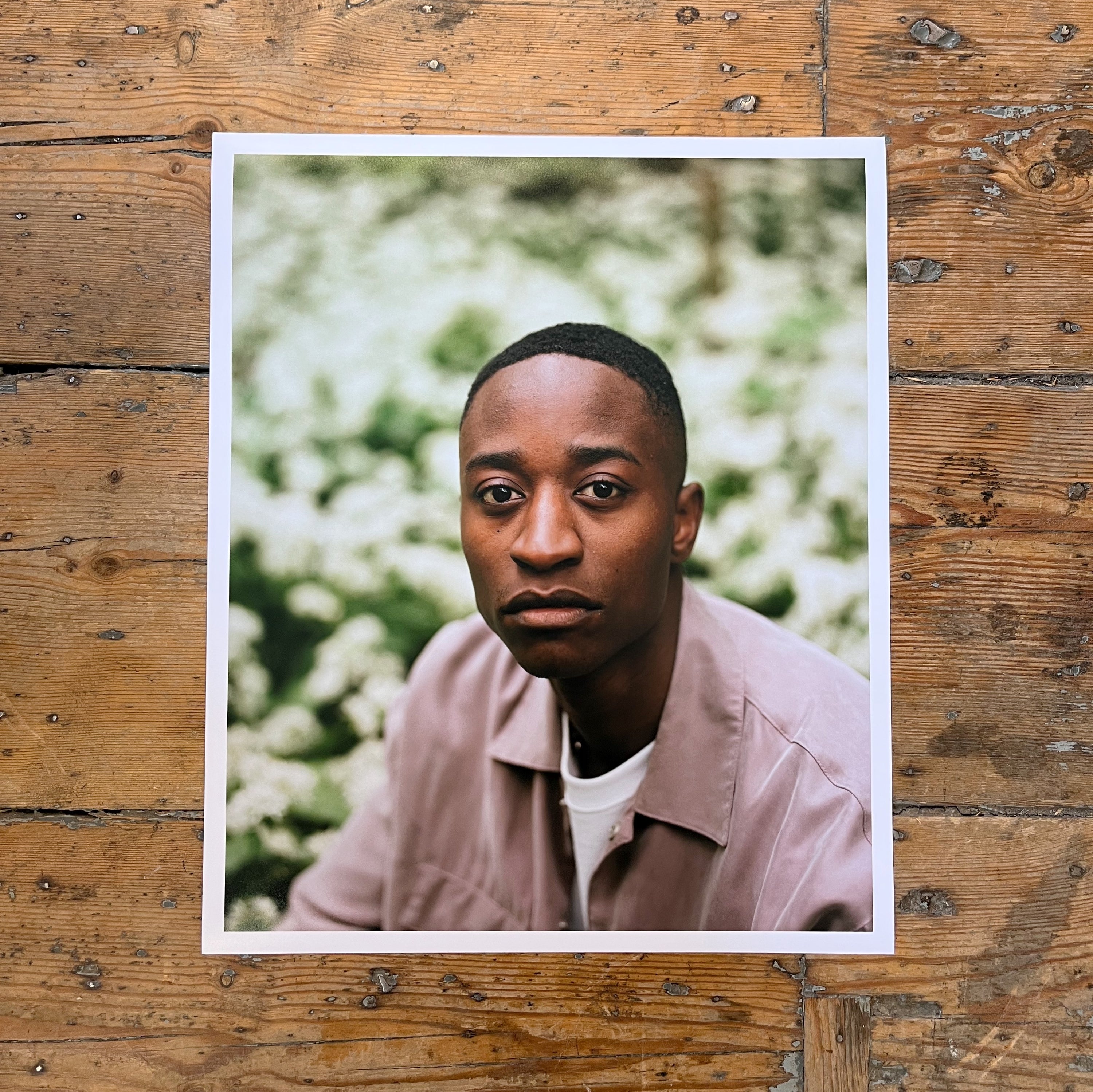
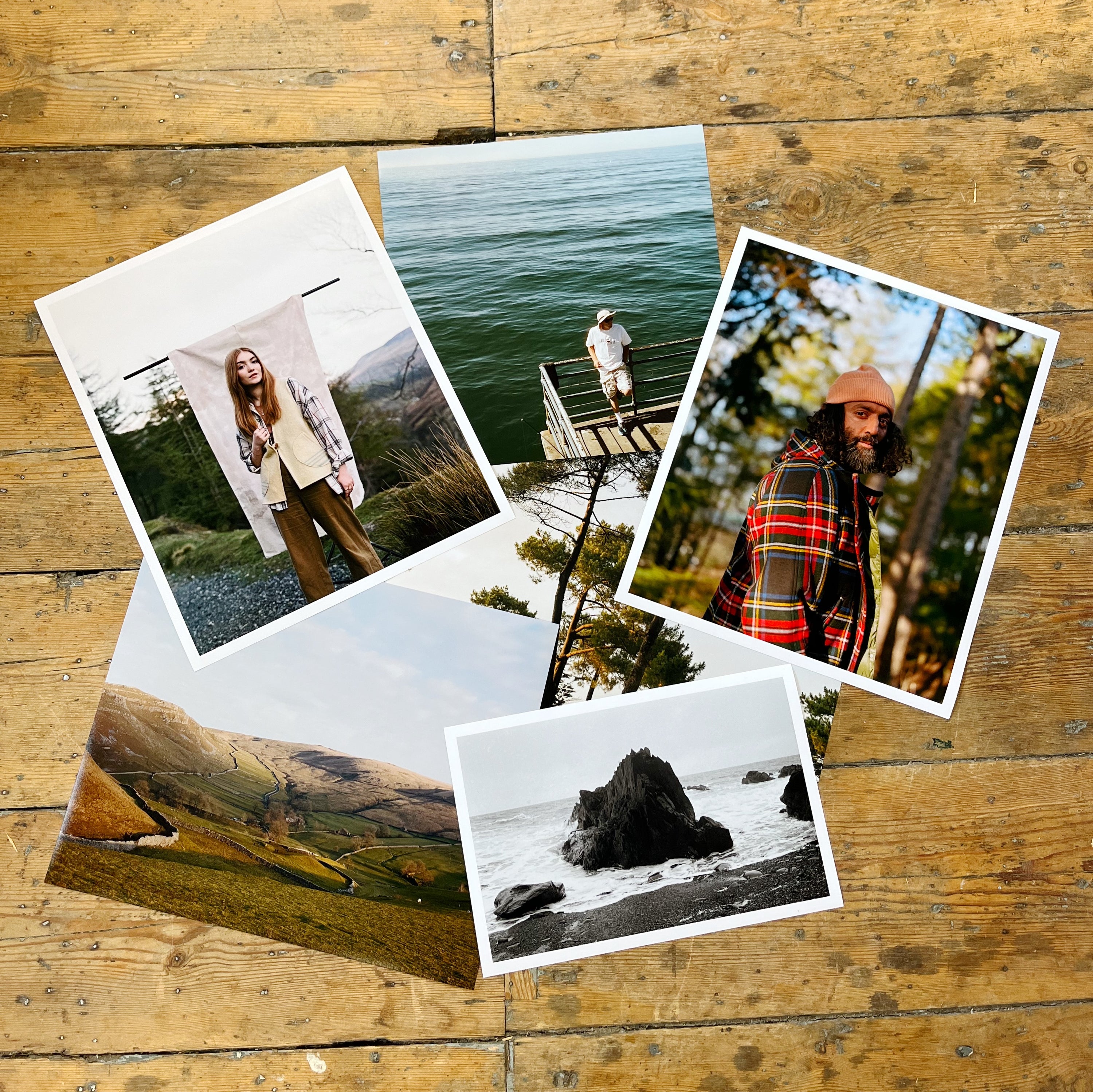
We now offer beautiful, high quality photo prints from our Epson dry-lab printer. Prints are available from 6x4" all the way up to 12x18" on 250gsm gloss and lustre paper. Price is per individual print.
Simply upload your file(s), choose the print size/finish you want and we do the rest!
If you want to order prints in a number of different sizes, make sure you click 'add to cart' after uploading your image(s) before moving on to the next size.
If you want multiple copies of one image, simply change the quantity to the number of prints you'd like.
Note: Please make sure your image file is large enough for your chosen print size and that it is the correct aspect ratio for your image. All images should be sRGB and saved as either JPG or TIFF format.
Recommended image sizes:
Step two
Paper finish, borders and print size all change how a photograph feels in your hands. Here’s a closer look before you order.
Both are printed on 250gsm photographic paper. The difference is in the surface and how much light it reflects.
Gloss
A smooth, shiny finish that catches the light. A good choice if you love a glossy photograph.
 Lustre
A lightly textured finish with a softer sheen. A good choice if you prefer less shine.
Choose whether your photograph runs to the edge of the paper or sits inside a clean white border.

Your image fills the print from edge to edge. Depending on the shape of your file, a small amount may be cropped.
Your photograph sits within a clean white edge, giving the image a little breathing room on the paper.
Compare the proportions below. Sizes are in inches; the pixel dimensions are our recommended file sizes.
1800 × 1200 pixels
2400 × 1800 pixels
3000 × 2400 pixels
3600 × 2400 pixels
4800 × 3600 pixels
5400 × 3600 pixels
1800 × 1800 pixels
3000 × 3000 pixels
3600 × 3600 pixels
4200 × 3600 pixels
A quick note on cropping: a different print shape may need a different crop. Check your image matches your chosen size before uploading. Illustrations show relative sizes, not actual size.
You don’t need to overthink it. A few simple things help us get the best print from your photograph.
Upload the original JPG or TIFF wherever possible. Screenshots and files saved from social media can lose detail.
sRGB is the safest colour space for our print workflow and helps keep the result predictable.
If your image shape does not match the print shape, some cropping may be needed. Check important details are not too close to the edge.
We make sure everything is ready to print and flag anything that looks wrong.
Your photographs are printed in our lab on 250gsm photographic paper.
We check the finished prints, pack them carefully and send them back to you.
Use your original JPG or TIFF files, saved in sRGB. Download scans before uploading them here. Screenshots and images saved from social media can lose detail.
Yes. Upload your images and add that size to your basket first. Then repeat for the next size.
For multiple copies of one photograph, set the quantity to the number of prints you want. Prices are per print.
Yes. Choose the border option above when placing your order.


Your cart is currently empty.